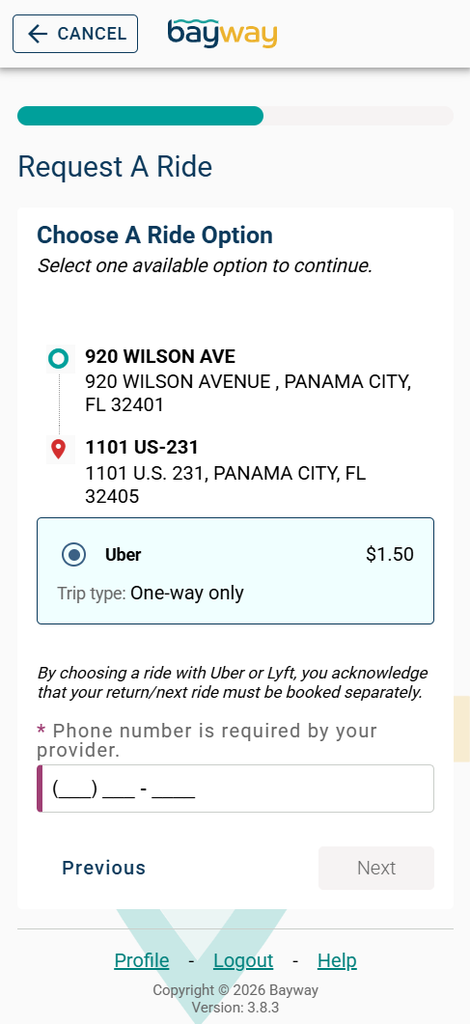
Schedule an UberX Share ride through the Bayway Transit app for just $1.50! Simply enter a pickup and destination point within the service zone, then select Uber. If you’re riding solo, your trip will most likely be shared with additional passengers traveling in the same direction. Riders traveling as a party of two or more will receive a standard UberX ride experience.
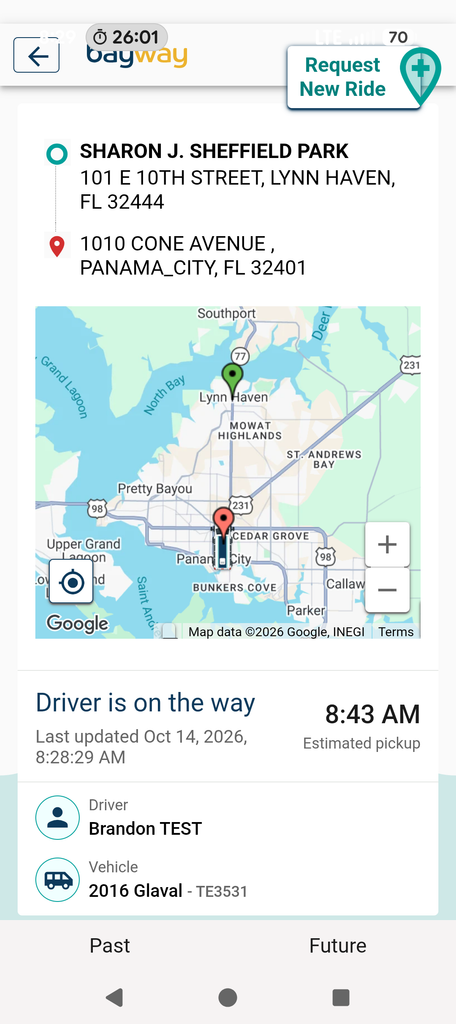
UberX Share uses the same virtual stop system as Bayway Flex. Walking directions to your pickup location will be provided in the app, and once your ride is scheduled, you can track your vehicle in real time and view vehicle details, including the license plate.
How to Book Your Ride
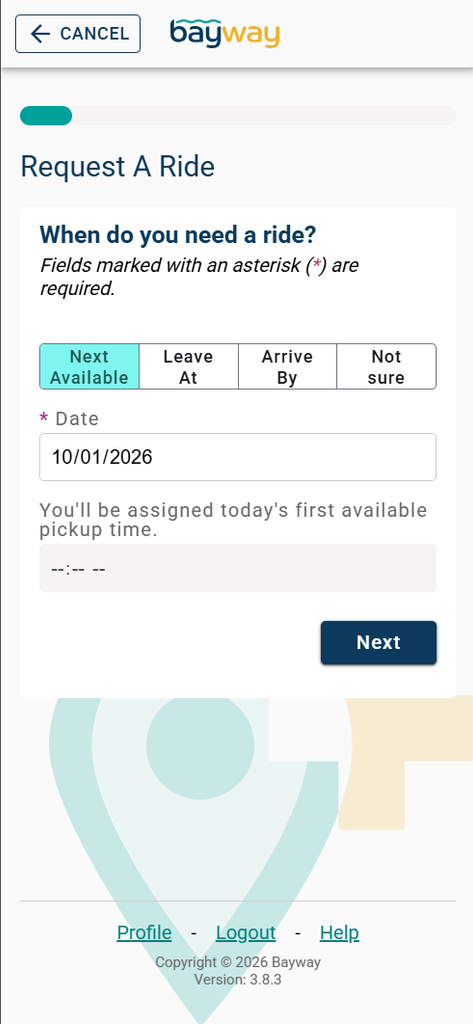
- Input your pickup point and desired destination.
- List any accommodations our driver will need to know about.
- Select Uber for your ride type.
- Purchase your ride.
- Track your ride by tapping the three dots to the right of your ride info.
- Meet your driver at the designated virtual stop.
- You’re all set to ride!
Service Areas
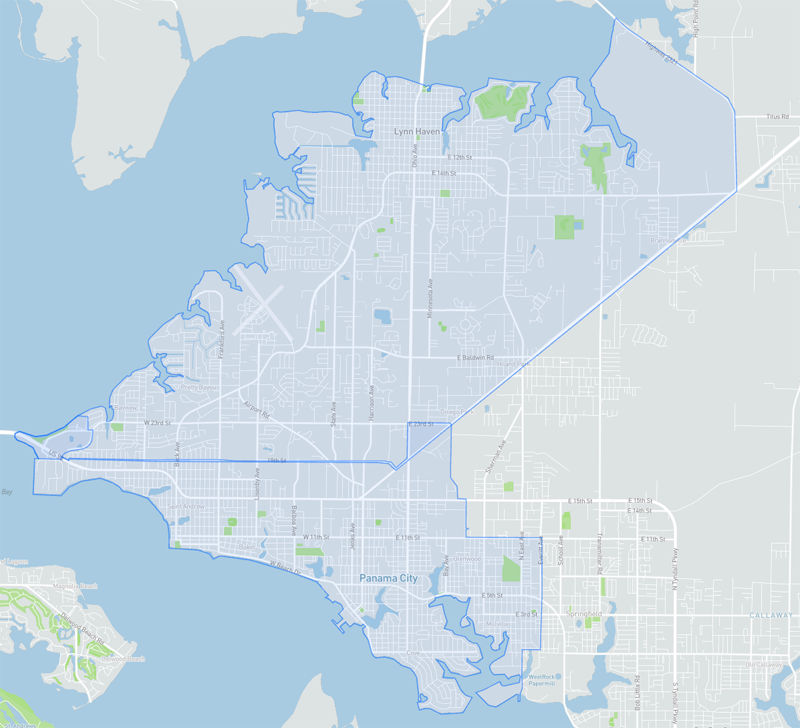
Zones 1 & 2
Zones 1 and 2 comprise a geofenced service area stretching from the Hathaway Bridge to Bunkers Cove and north to Lynn Haven.
Don’t have the Bayway App yet? Download the app today.